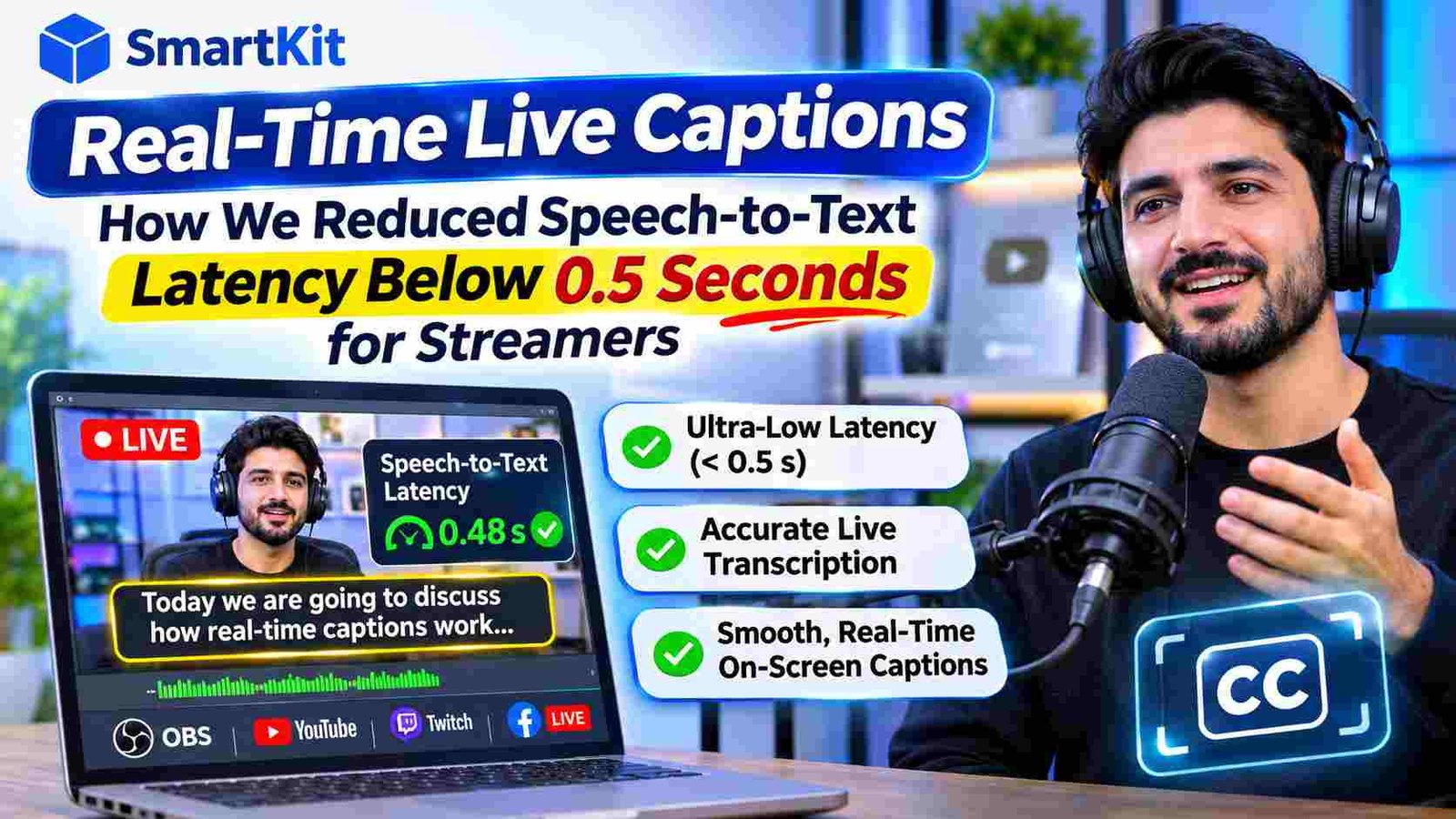
Real-Time Live Captions: How We Reduced Speech-to-Text Latency Below 0.5 Seconds for Streamers
Why Latency Destroys Live Caption Utility
Live streaming is built on immediate interaction. When a streamer laughs, reacts to an in-game event, or answers a viewer's question, subtitles that lag by two or three seconds feel disconnected and jarring. Viewers reading late captions cannot match the text to the creator's facial expressions or live gameplay.
For deaf and hard-of-hearing audiences, high caption latency turns fast-paced gaming broadcasts or real-time Q&A sessions into disjointed experiences. Achieving true "sub-second" latency (under 500 milliseconds from mouth to screen) has historically required thousands of dollars in broadcast hardware or expensive transcription subscriptions.
The Triple-Bottleneck in Traditional Web Captioners
Why were standard web-based captioners so slow? An analysis of the data pipeline reveals three compounding bottlenecks:
- Aggressive Client Debouncing (200ms - 500ms): Standard voice recognition scripts wait several hundred milliseconds after a word is spoken to see if more words are coming before packaging an HTTP payload.
- Fixed Interval Polling (450ms - 1500ms): The overlay in OBS Studio repeatedly asks the server "Are there new captions?" on a fixed clock. If an utterance is saved 10ms after a check, the overlay waits another 440ms before making the next request.
- Double HTTP Transit (300ms - 800ms): Speech travels from the broadcaster's microphone to the web server via HTTP POST, gets committed to disk or a database, and then travels from the server down to OBS via HTTP GET.
Combined with acoustic recognition time, total latency routinely ballooned to 2.5 seconds.
The Technical Solution: 3 Architectural Upgrades in CaptionCast
CaptionCast was re-engineered from the ground up to achieve sub-0.5s live delivery:
1. Micro-Debouncing (Reduced from 200ms to 60ms)
Instead of hoarding partial speech fragments, CaptionCast reduced its interim transmission window to 60 milliseconds. The moment your vocal cords emit a syllable, the recognized phoneme is processed and dispatched immediately.
2. Direct Browser Channel Synchronization (0ms to 20ms)
Nearly all solo streamers run their broadcast dashboard and OBS Studio on the exact same PC. CaptionCast leverages this physical reality by implementing the native HTML5 BroadcastChannel API and cross-window storage synchronization:
javascriptconst localChannel = new BroadcastChannel('cc_channel_' + sessionId);localChannel.postMessage({ latest_text: text, ts: Date.now() });
When OBS Studio's browser source and your CaptionCast control page share the local machine's memory bus, captions bypass the internet entirely. Words transition from your microphone to your OBS screen in under 20 milliseconds.
3. Server-Side HTTP Long-Polling for Remote Overlays
For streamers using dual-PC setups or remote co-hosts, CaptionCast implemented persistent HTTP long polling (usleep(50000)). Instead of immediately returning empty responses when no new words are spoken, the server holds the HTTP connection open. The exact millisecond a new syllable is written to the live stream sidecar, the waiting socket responds instantly.
The Result: True Sub-Second Live Captions
By combining micro-debouncing, memory-bus local broadcasting, and held socket long-polling, CaptionCast delivers words to your viewers' screens in 300 to 500 milliseconds, synchronizing subtitles directly with natural conversational cadence.